




Idle games let you build a source of in-game income that does not require another manual action for every point. You usually start by clicking, then buy automatic production and decide how to reinvest it. The free browser idle games in this collection combine that growing income with characters, collections, and upgrades you can work toward at your own pace.
Begin with Brainrot Clicker if you want to compare manual earning with automatic production in the same game. Choose a title above to open its player and guide, or browse Clicker Games if active tapping is the part you enjoy most.
How idle and incremental games work
An idle game’s first purchases often change the way you play. Before automation, you earn by clicking or tapping. After purchasing an automatic upgrade, a per-second counter begins to matter alongside the value of each click. You can then spend more time choosing purchases and less time producing every point yourself.
Incremental progression comes from improving that system repeatedly. A stronger production rate makes the next purchase arrive sooner, and that purchase helps fund another. The interesting decision is often where to invest, not how quickly you can move your finger.
Automation does not remove every action. You may still need to collect rewards, select a new upgrade, choose a character, or activate a bonus. Think of idle play as managing a developing income rather than expecting every part of a game to complete itself.
Choose an idle game by the goal you enjoy
Build Brainrot production
Italian Brainrot Clicker pairs automatic earnings with character progression and an ascension system. Check what an ascension offers before resetting: a new run and a temporary multiplier are different decisions. Italian Brainrot Clicker 2 offers another character collection with its own progress and upgrade shop.
For a single-character theme, try Tung Sahur Clicker or Tralalero Tralala Clicker. Their per-second counters help you see what purchased automation contributes between manual clicks. Appearance goals provide something to aim for alongside larger production numbers.
Work toward new looks and collections
Chill Guy Clicker and Chill Girl Clicker combine a familiar upgrade shop with character looks and weather choices. They suit sessions where you want to set an achievable target, buy an improvement, and check what becomes available next.
In Labubu Clicker, mystery packages make collecting part of the progression. Improving income and revealing another character are related goals, but they are not the same action. The game guide explains the opening box and the earning screen so you can tell them apart.
Grow an animal-themed economy
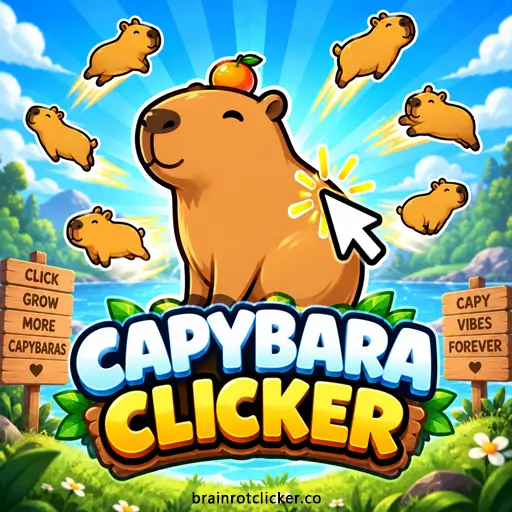
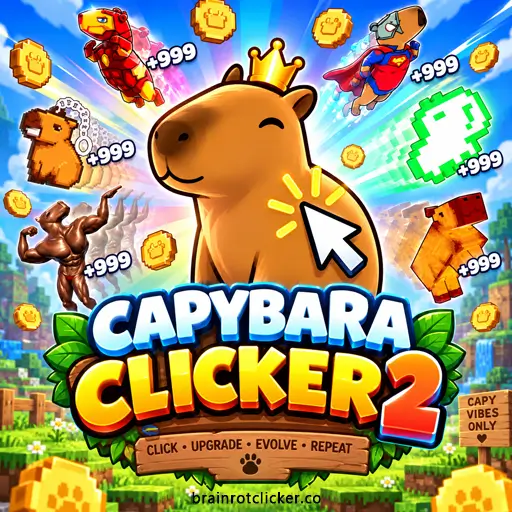
Capybara Clicker makes it easy to distinguish click power from automatic production: watch the corresponding figure after you buy an upgrade. Capybara Clicker 2 adds achievement rewards and customization targets to that earning loop. Open the version you want rather than assuming a save or unlock carries between them.
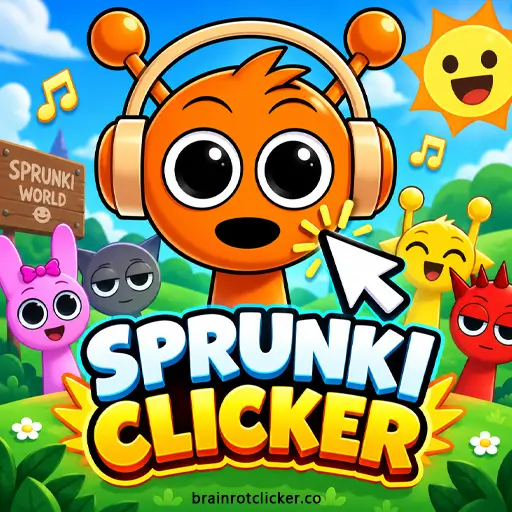
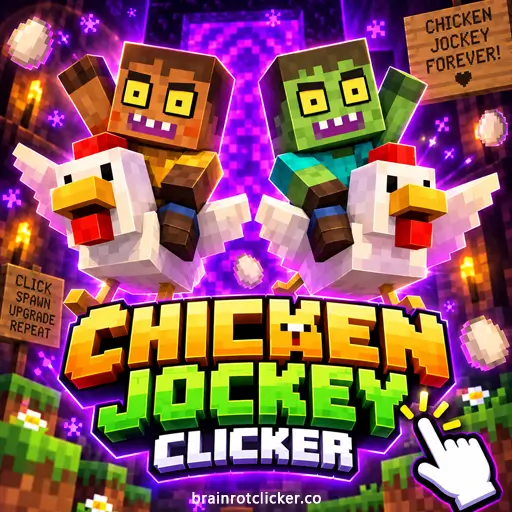
You can also build automatic earnings in Sprunki Clicker and Chicken Jockey Clicker. Their themes differ, but the first useful question is the same: what does the next purchase add to your production?
Compare upgrades before spending
Start with the increase an upgrade actually gives you. A higher-priced card is not necessarily the most useful next purchase if an affordable option makes a larger difference to your current setup.
For a simple automatic-income comparison, divide the price by the extra income per second. An example upgrade costing 250 points and adding 5 points per second would take about 50 seconds to produce its cost, ignoring other bonuses. This is an illustration, not a quoted price from a particular game. Multipliers, unlock requirements, and changes in production can affect the real result.
Use that comparison as a guide rather than a rule you must follow. Saving for a character or achievement can be a valid goal even when another upgrade pays for itself sooner. The useful choice is the one that moves your current goal forward.
Automatic income, offline progress, and saves
These are three different features. Automatic income means the game can produce resources without a click for each one. Offline progress means it calculates rewards for time spent away. A save records some or all of your progress so you can return to it.
Do not assume that an idle game keeps earning after you close it. Offline rewards need to be supported by that particular version, and browser behavior can also affect a game left in another tab. Check the individual guide and in-game settings for what is available. If a title offers a save-file export, keep a backup before changing devices or replacing a save.
Find your next idle session
Return to Brainrot Clicker for the site’s main game, explore New Games for recent catalog additions, or use Hot Games for our featured pick. Prefer a more active session? The Clicker Games guide compares the same collection from the clicking side.
Idle games questions
Do I need an auto-clicker to play?
No external auto-clicker is needed for the progression described here. Earn your first resources with the game’s normal controls, then use its own automatic-production upgrades where available.
Can I earn while the game is closed?
Only when that game supports offline earnings. A per-second production counter on an open player does not, by itself, confirm that closed-game rewards exist.
Why does the same game appear in Clicker Games and Idle Games?
Many incremental games have both manual and automatic earning. The categories describe two parts of one game. Its page, save behavior, and progression stay the same whichever category you use to find it.